RDP vs Proxy: Which Is Better for Remote Work, TikTok & Multi-Account Use?
If you’re trying to work with a clean setup, access region-based tools, or manage multiple accounts safely, you’ll usually hear two options: RDP and proxy (SOCKS5). They are not the same thing — and choosing the wrong one can waste time and money.
Quick answer (for people in a hurry)
- Choose RDP if you need a full remote Windows desktop with its own environment and IP.
- Choose SOCKS5 proxy if you only want to route specific apps/tools/browsers through a different IP.
- Best setup for many professionals: RDP (workspace) + SOCKS5 (tool routing) depending on workflow.
What is RDP?
RDP (Remote Desktop Protocol) lets you log into a remote Windows computer. You get a full desktop experience — files, apps, browser, everything — running on that remote machine.
RDP is best for:
- Full remote work (desktop apps, heavy multitasking)
- Running tools in a separate clean environment
- Region-based dashboards and testing
- Stable long sessions
What is a Proxy (SOCKS5)?
SOCKS5 is a proxy that routes traffic through another server. It does not give you a desktop — it’s a routing method for apps or browsers you configure.
SOCKS5 is best for:
- Browser profiles and region testing
- Tools that support proxy settings
- Selective routing (only the app you choose)
- Speed-focused routing when quality IP is used
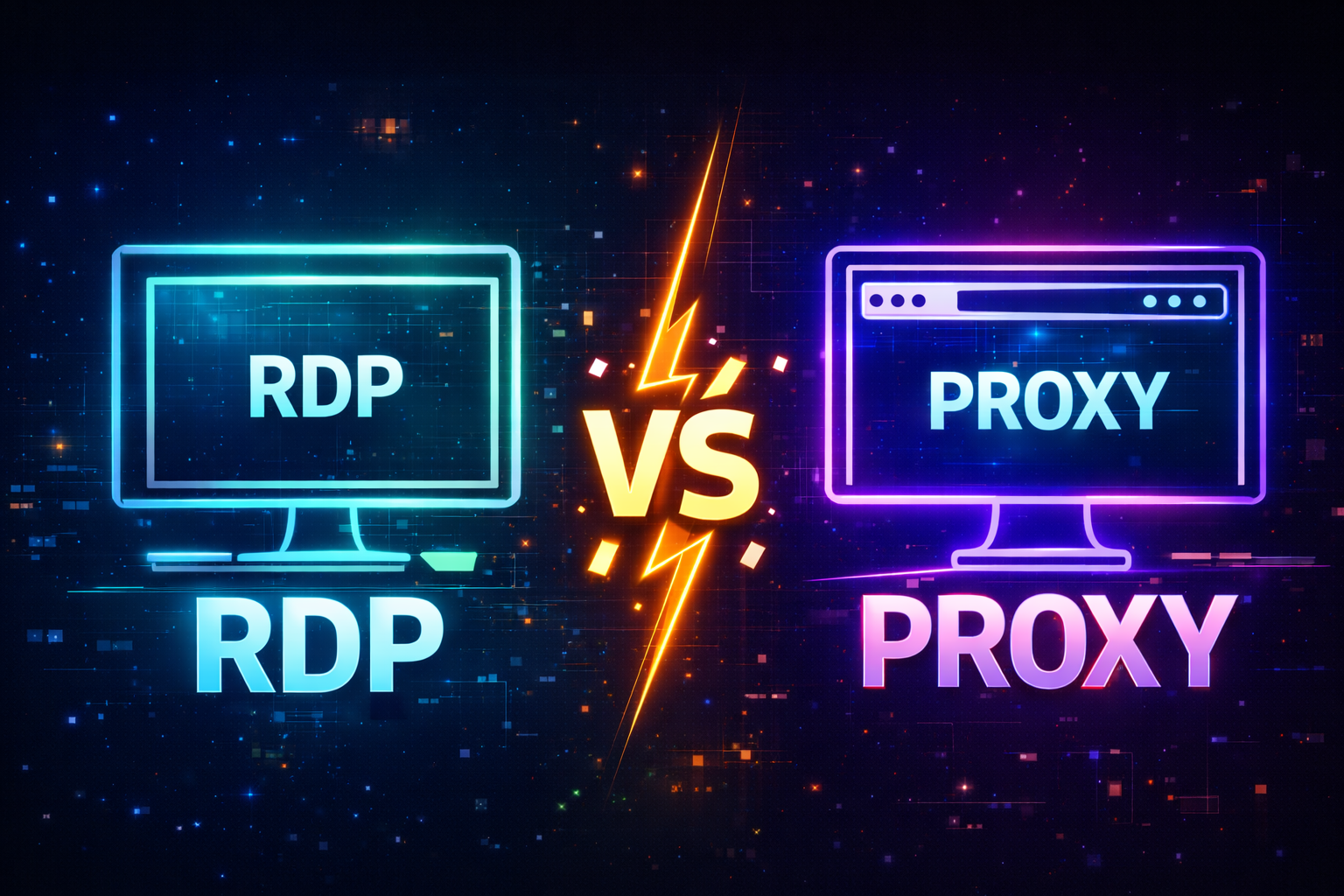
Visual: RDP vs Proxy (what’s really happening)
Which is better?
There’s no single “best” — it depends on what you’re doing:
- For full work environment: RDP wins.
- For routing specific tools: SOCKS5 wins.
- For stability and clean operations: choose quality providers and avoid cheap/dirty IPs.
Recommended next step
If you need a full remote Windows setup, check our RDP plans. If you only need clean routing for tools/browsers, check our SOCKS5 plans.
Quick FAQ
- Is RDP a VPN? No. RDP is a remote computer. VPN only changes your device IP.
- Is SOCKS5 encrypted? SOCKS5 itself isn’t encryption — HTTPS protects web browsing.