US Mobile VPN
β¦15,000/ month
- β 1 device access
- β Works on iPhone & Android
- β WireGuard config download
- β QR code setup option
- β Fast US VPN connection
- β WhatsApp setup support
Get secure private VPN access powered by WireGuard. After payment, your VPN profile is created automatically and delivered with a config file, QR code, and simple setup instructions.
Connect through BAMISOCKS with a clean, private WireGuard VPN profile. Fast setup, QR/config delivery, and real support when you need help.
WireGuard
CONNECTED
You do not need a BAMISOCKS app. Install the official WireGuard app first, then import the VPN profile we generate for you.
Download the Official WireGuard App
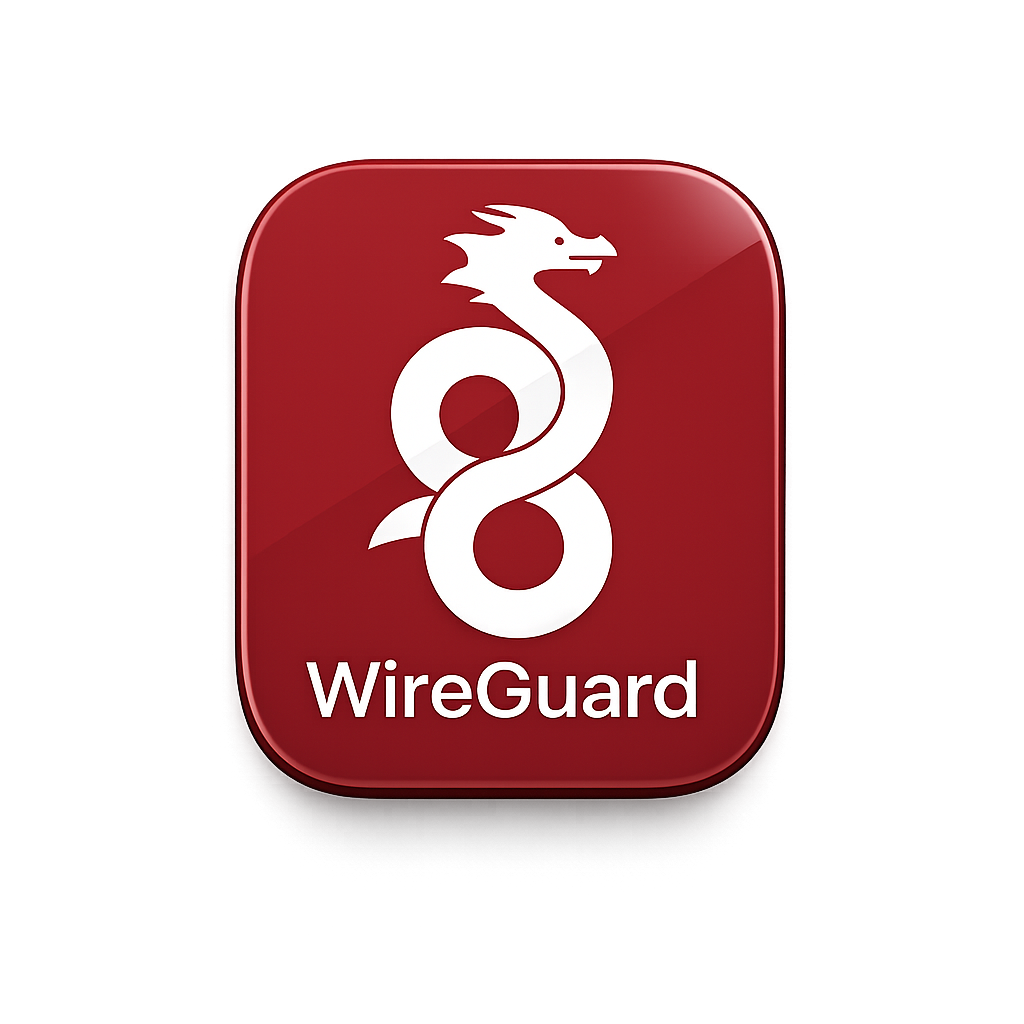
Make sure the app icon looks like this. This is the app you will use to import and connect your BAMISOCKS Mobile VPN.
Download the official WireGuard app from App Store or Google Play Store.
Choose the Mobile VPN plan and pay with your BAMISOCKS wallet.
After payment, open My Orders and view your Mobile VPN service details.
Tap Download Config. On iPhone, tap Share and choose WireGuard.
If you have two devices, open WireGuard and scan the QR code from your service page.
Inside WireGuard, tap the switch ON. Once connected, your VPN is active.
Your imported tunnel will appear inside WireGuard. Tap the switch to connect.
β VPN Active
Start simple with one stable US VPN plan. More locations can be added later.
β¦15,000/ month
β¦18,000/ month
Free support
Mobile VPN
Simple answers before you order.
No. You only need the official WireGuard app. Your BAMISOCKS dashboard gives you the VPN config file and QR code.
After payment, your VPN profile is created automatically. Open My Orders, view the service, then download config or scan QR code.
Use the Download Config button. On iPhone, tap Share and choose WireGuard. On Android, open the downloaded file with WireGuard.
No. Each VPN profile is for one customer/device. Do not share your QR code or config file.